Apps for Free Time: Options for Relaxing, Listening, and Learning
 Put Rodrigo Oliveira
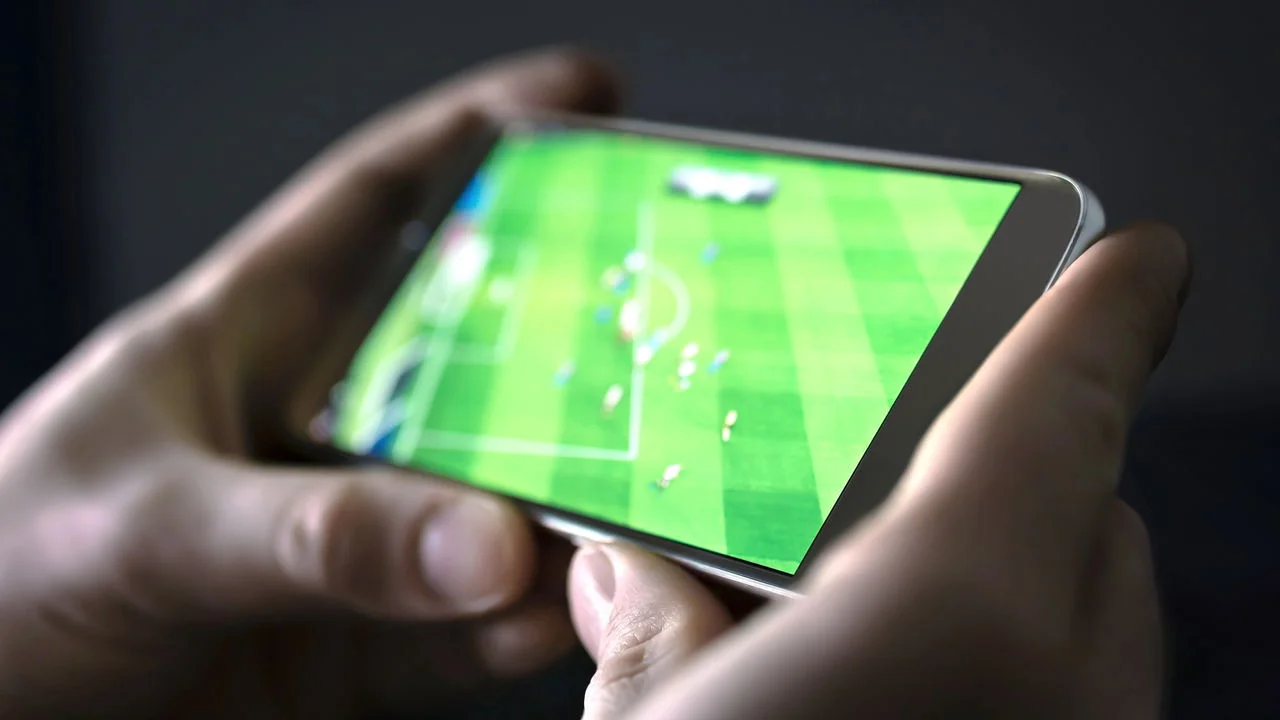
Free time isn't just about rest: it's also a space where you can learn something, take care of your mind, or simply disconnect without guilt. Your cell phone can help in all three areas—and it can also be a hindrance if it becomes an unintentional endless scrolling experience.
This list brings together applications that exist today in Play Store, with ratings and review volume verified in the store, organized by type of use: watching, listening, learning, relaxing, and reading.
Netflix — to watch
Rated 4.3 and with over 15 million reviews. Catalog of movies, series, and documentaries, with download options for offline viewing and separate profiles for each person in the household.
It's a subscription-based service: the app is free to install, and nothing is accessible without an active plan. Offline download works as long as the subscription is up-to-date and is worthwhile before a trip.
Spotify — for listening
Rated 4.6 and with over 36 million reviews. Music and podcasts, with automatic playlists based on what you usually listen to.
The free version has ads and no It allows you to download tracks to listen to offline — offline download is a feature of the paid plan. Podcasts, however, can be listened to and downloaded on the free plan.
Duolingo — for learning without it feeling like studying.
Short, game-style lessons in dozens of languages. It's the most effective app in its category for habit building, precisely because it fits into a five-minute wait.
An honest expectation: using only the app, you'll reach a basic or pre-intermediate level—reasonable vocabulary, simple reading, and survival phrases for travel. Fluency depends on conversation with people, and that happens outside of the app.
Headspace — for relaxation
Rated 4.6 with over 330,000 reviews. It offers guided meditations, breathing exercises, and sleep audios, organized by goal and duration.
It's important to clarify: meditation helps many people cope better with daily stress, but it is not a treatment. Wellness apps do not treat anxiety or depression and do not replace treatment with a psychologist or psychiatrist. If suffering interferes with work, sleep, or relationships, the solution is to seek professional help.
Some of the content is free; the complete collection is available by subscription.
Instapaper — for reading what was left for later
Rated 4.7 and with approximately 12,800 reviews. Saves articles from the internet in a clean, ad-free format, for reading whenever you have free time — even offline.
One necessary observation: the Pocket, The app that occupied this spot on virtually every list of useful apps has been discontinued by Mozilla and is no longer available. Users can export their library and migrate to Instapaper.
Free alternatives that are often overlooked.
- YouTube Music It is Deezer They cover music with a free plan that includes ads, like Spotify.
- Digital public libraries They lend books in electronic format free of charge, with registration.
- Podcasts They are free by nature and do not require a subscription to any service.
- Offline games Play Store offers solutions to wait times without consuming data.
Other options by type of free time
When you have five minutes to spare
A short break doesn't allow for a long episode or article. It's better suited for a language lesson, an audiobook chapter, or a quick offline game. The classic mistake is opening social media during that time: five minutes easily turn into twenty, and the feeling of rest never comes.
When I have a spare hour at home
This space is perfect for a movie, a series episode, or a longer reading session. It's worth choosing before sitting down: browsing the catalog looking for something consumes a considerable portion of your available time and is tiring.
When free time is spent commuting
Buses, subways, and walking call for audio: podcasts, audiobooks, or playlists. It's also the best time for language learning apps, which are designed for short sessions. Download the content at home, using Wi-Fi, to avoid using data or depending on a signal.
When the goal is to truly disconnect.
In this case, the best app is usually none at all. It's worth activating Do Not Disturb mode, leaving your phone in another room, and doing something that doesn't involve a screen. The apps on this list are meant to fill your free time well—not to occupy all your time.
How to avoid turning rest into infinite scrolling
The difference between leisure and automatic distraction is intention. Choosing an episode, an article, or a lesson is rest; opening your phone without deciding anything usually ends in forty minutes that nobody remembers afterward.
Two simple measures can help. The first is to use Android's Digital Wellbeing to see how much time each app consumed during the week—the number is usually surprising. The second is to download what you intend to consume beforehand: an episode, playlist, or article chosen carefully yields more than an open catalog without a plan.
How much data, storage space, and battery does the video consume?
Among the ways to occupy free time, video is by far the most expensive in terms of mobile phone resources, and the difference compared to audio and reading is not small. The approximate calculation is easy: megabits per second divided by eight equals megabytes per second; multiply by 3,600 and you have the consumption for one hour.
- Standard quality, close to 480p: something around half a gigabyte per hour
- High definition, 720p to 1080p: one to two and a half gigabytes per hour, depending on the compression.
- Maximum resolution, 4K: It easily exceeds seven gigabytes per hour — and on a six-inch screen you don't see the difference.
- Audio and reading: They are in the tens of megabytes per hour, which is a fraction of the video.
Therefore, the most effective adjustment is to limit the quality on mobile networks within the app itself. And, if you download episodes to watch later, choose the standard quality during download: on a mobile screen, the visual difference is subtle and the space saved is enormous — a season in high definition takes up several gigabytes of storage.
The battery follows the same logic. What drains the battery isn't the app, but the screen being on for hours, the high brightness, and the video processing. Listening with the screen off consumes a fraction of what watching videos consumes, and that's the practical reason to choose audio when the battery is running low.
Digital public library: how the loan system works
It's the most overlooked free alternative, and it works better than most people imagine. Many Brazilian public and university libraries offer digital collections, and access usually only requires a library card, obtained in person or through the institution's website.
The mechanics are the same as physical borrowing, which surprises those expecting an open catalog. The number of licensed copies is limited: if all copies are borrowed, you join a queue and are notified when it's your turn. The downloaded file comes with an expiration date—after that period, access expires automatically, and there are no fines or returns required. If you haven't finished, you renew or go back to the queue.
Two honest observations. The catalog is smaller than that of a digital bookstore, and recent releases usually have a long wait. On the other hand, it costs exactly zero, it's legal, and it supports a public service that most people pay for with taxes and never use.
The features that decide for you — and how to turn each one off.
Entertainment services are paid for by usage time, directly or indirectly: more hours watched mean a renewed subscription or more ads displayed. Therefore, there's a set of features designed to eliminate the moment you decide to stop. Recognizing them helps more than willpower.
- Automatic playback of the next item., with a countdown of just a few seconds. It's the feature that most often turns one episode into four. The switch is usually found in the account settings, not the app settings.
- Preview with sound on the home screen: It starts playing on its own while you decide, and the decision becomes consumption. It can also be switched off.
- Infinite scrolling: The screen never ends, and a screen that never ends offers no natural stopping point.
- Endless queue of recommendations: When the content ends, the system inserts another similar piece of content, chosen to keep you engaged.
One rule that works better than all these settings combined: decide what you're going to watch before opening the app. The most tedious part of the evening is rarely the movie—it's the half hour spent scrolling through the catalog without choosing anything.
Subscriptions are adding up faster than it seems.
Each service individually seems cheap, and that's how four modestly priced subscriptions add up to a significant monthly bill without any conscious decision. Add up what you pay today for video streaming, music, reading, games, and wellness; the total is often the most compelling argument for cutting two.
Three mechanisms explain the accumulation. Automatic renewal is the default, meaning no one needs to decide to continue—they need to decide to stop. The trial period is contracted with renewal already enabled. And cancellation usually maintains access until the end of the already paid cycle, which means that canceling today doesn't take anything away from you now.
It's also worth knowing that the Consumer Protection Code provides for a right of withdrawal within seven days for contracts made outside of a commercial establishment, which includes purchases made through apps and the internet. It's a short window, but it exists. Beyond that, the logic is the same as always: a subscription is a recurring expense, and recurring expenses deserve review from time to time, not a one-time decision made two years ago.
When free time is spent with children at home.
Cell phones can easily become electronic babysitters, and some precautions can prevent the most common problems. Both Android and iPhone have native parental controls, without installing anything: you can create a supervised profile, limit time per app, restrict content by age range, and require approval to install new things.
Also enable password requirements for any in-app purchases. Free-to-play games often make money from items sold during gameplay, and children clicking on colored buttons don't distinguish between purchasing in-game items and actually buying in-game resources. If this happens, the store has a dispute channel and refund requests are possible—but prevention is much simpler.
On video streaming services, use the children's profile instead of the household profile: in addition to the catalog being filtered by age rating, it prevents the family's recommendations from appearing on the child's screen. And it's worth agreeing on a time limit before handing over the device, because negotiating a time limit with the child after they've already started watching is a well-known exercise in mutual frustration.
Other questions about leisure on your cell phone
Is it okay to use a cell phone or television to watch it?
If you're at home, the television saves battery, mobile data, and your eyesight. The cell phone wins when you're on the go and in waiting lines, where the only option is usually no screen at all.
Does watching downloaded videos use up data?
The downloaded content is not consumed, but the application continues to communicate with the server to validate the license and record what has been viewed. In airplane mode, some downloads simply won't open.
Is listening to podcasts different from listening to music?
Yes: podcasts are spoken and compress very well, consuming much less data per hour. It's the cheapest format to listen to on the go with a small data plan.
Does gaming drain a lot of battery?
Graphically demanding games are among the most resource-intensive activities because they use the processor, screen, and internet connection simultaneously, and also cause the device to heat up. Simple, offline games consume very little.
How can I tell if I'm using my free time or being used by it?
A quick test: at the end of the session, can you say what you did? A chosen episode, a chapter, a lesson—you can name it. Forty minutes of scrolling, no. The difference is the decision at the beginning.
Frequently Asked Questions
Are these apps free?
Duolingo and Instapaper have usable free versions. Spotify and Headspace offer some content for free. Netflix requires a subscription for all content.
Can it be used without internet?
Netflix and Spotify allow offline downloads with paid plans. Instapaper saves articles to your device. Duolingo offers offline lessons with its paid plan. Headspace allows downloading sessions with a subscription.
Does a meditation app work?
It helps to create habits and cope with everyday stress. It is not a mental health treatment and does not replace professional help when persistent suffering exists.
Is it worth subscribing to more than one service?
It depends on actual usage. Before adding up subscriptions, check "Payments and subscriptions" in the Play Store to see which ones you already have active — it's common to find some forgotten ones that have been charged for months.
How to cancel a subscription you no longer use
Cancellation is done directly in the Play Store, under "Payments and subscriptions," not within the app—uninstalling does not stop the charges. It's worth checking this list once a year: forgotten subscriptions to services you stopped using are the most common silent expense for those with many apps installed.
Conclusion
Netflix for watching, Spotify for listening, Duolingo for learning a little each day, Headspace for slowing down, and Instapaper for reading what's piled up. Five different uses, five apps that exist and work.
Choose what you want to do with your free time beforehand, and only then open your phone. It's a small reversal, and it's what separates rest from distraction.
Read too
- Photo editing app: which one to choose for each type of adjustment
- App to Learn Knitting: Real Options on the Play Store
- Listening to Music on Your Cell Phone: The 5 Best Apps and Their Plans
- Different Apps to Try: 5 Options and What They Do
- Time Management: 5 Apps to Organize Your Routine
- Productivity Apps: 10 Options and What Each One Is For