Increasing storage: what you can and can't do.
 Put Rodrigo Oliveira
The search for free apps to increase storage space It stems from an understandable hope: that a program exists that can fit more things onto the same cell phone. Let's start with the truth: No app increases device memory.. Storage is a physical component, soldered to the board and defined during manufacturing. What a good application does is help you reclaim space that already exists and is occupied by things that shouldn't be there.
Having made that distinction, the rest of this guide is practical: what can be done, how much each measure usually yields, and what are the only legitimate ways to truly expand capacity.
Why is there no "increase memory" via software?
Cell phone memory chips have a fixed capacity. There is no compression, optimization, or system adjustment that creates new space—at most, a compressed file occupies less space, but it needs to be decompressed to be used. Apps that advertise "expanding memory by 4 GB" are selling something else: usually a common file scan with an attractive name.
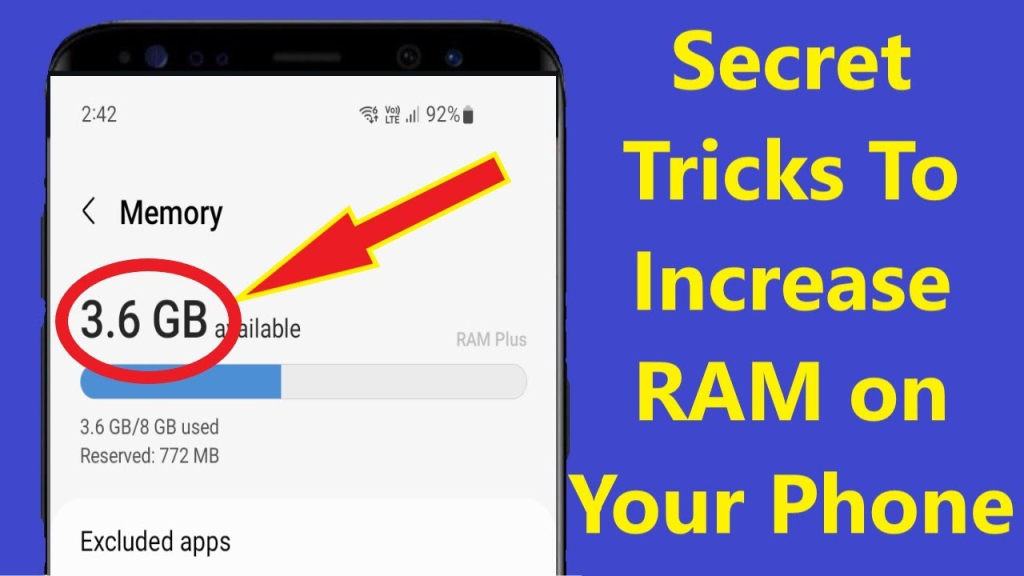
Yes, there is a feature called "virtual RAM" or "extended memory" in many devices, but it deals with working memory, not storage. The system reserves a portion of the disk to function as backup RAM. It helps keep more applications open, with a modest gain, because storage is much slower than real memory—and, importantly, it... consumes space instead of creating.
What really returns gigabytes?
- Photos and videos to the cloud. Node Google Photos, Enable backup and then use the "free up space" option, which removes only the data that has already been backed up from the device. This is the most impactful measure for most cell phones.
- Media received in conversations. On WhatsApp, in Settings > Storage and data > Manage storage, There are lists of large files and frequently forwarded items. Deleting this media does not delete the conversations.
- Unused applications. Sort by size in Settings > Applications. Games usually lead by a wide margin.
- Downloads. The folder just keeps growing. Almost nothing there needs to remain in the device.
- Duplicates and leftovers. O Files by Google Find duplicate copies and old files at no cost; SD Maid 2/SE Locates folders left behind by uninstalled applications.
Honest ways to expand capacity
microSD card, This card is suitable for devices that still have the slot. It works very well for photos, videos, and music; it's not suitable for installing applications, which need to be stored in the internal memory. Buy a well-known brand and keep a second copy of your files elsewhere, because memory cards can fail.
External storage via cable. USB-C flash drives work directly with mobile phones and are ideal for quick transfers. It's the cheapest solution for transferring large videos from your device on the spot.
Cloud. It increases the available storage space for files, with the caveat that the free quota is limited and shared among services on the same account. When it fills up, the backup stops silently — it's worth checking from time to time.
Computer or external hard drive. The most economical long-term destination for archiving years of photos and videos, with no monthly fees.
Promises that are not kept.
Besides the "increase memory" option, be wary of the speed-up button. In the current Android system, forcibly clearing RAM doesn't make the phone faster: the system intentionally keeps recent apps loaded and closes them automatically when it needs space. Forcing them to close only makes the device reload everything afterward, with extra battery consumption.
Another warning sign is the permissions list. Storage tools need access to files; they don't need location, contacts, or accessibility services—the latter allows you to read everything that appears on the screen and simulate touches, and has nothing to do with cleaning up storage space.
Compact, move, and "optimize": what each one actually does.
There are three operations that people confuse, and only one of them truly restores space:
- Compact It reduces the size of files that still have redundancy — documents, text, spreadsheets. It doesn't work with photos, videos, and music, which... They are already compressed.Zipping up a photo album usually saves almost nothing, and sometimes makes it bigger.
- Move to card It doesn't reduce anything: it just transfers the weight to another place. It helps when the machine accepts cards, and it's useless when it doesn't.
- Optimize, In application terminology, "clear cache" almost always means clearing the cache—which the system recreates. It's the operation that produces the large number on the screen and the small gain on disk space.
There is a fourth one that works and is underutilized: recompress video. A long video recorded in 4K can be reduced to a fraction of its size in 1080p, with barely perceptible loss on a mobile phone screen. For those who have dozens of family videos occupying their device, it's the only way to truly shrink the files instead of simply moving them to a different location.
Cloud quota: real expansion, with one condition
Subscribing to cloud storage is the most effective way to "increase" usable capacity — but it only works if you complete the step that most people forget.
Upload the photo to the cloud. It doesn't free up space on its own.The local copy remains on the device. The gain appears when you use the option of free up space or remove local copies from the gallery app itself, which only deletes what has already been confirmed to the account.
Three precautions to avoid losses:
- Confirm that the shipment is complete. Before releasing. A full quota silently interrupts the process.
- Choose between original and compressed quality before deleting the original. Once deleted, what compression discarded cannot be recovered.
- A single cloud is a single point of failure. A lost, suspended, or refused billing account takes its entire collection with it. What is unrecoverable deserves a second copy elsewhere.
What apps in this category promise but fail to deliver.
- “"Increase your RAM by 2 GB."” No application adds memory. What exists is swap space in storage, which is much slower and consumes space.
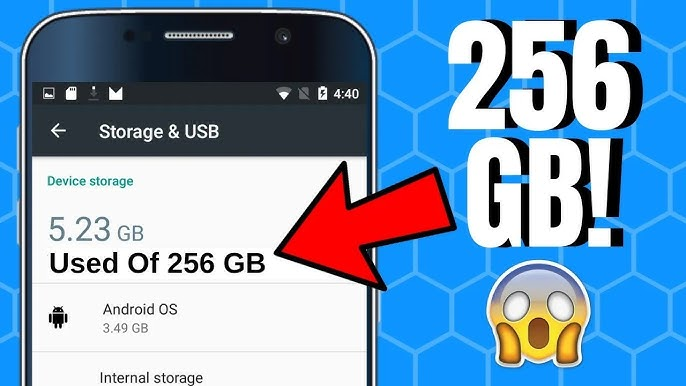
- “"Expand your internal memory."” Impossible via software: the capability is physical and, in most current devices, soldered.
- “"Recover 10 GB in one tap."” If you have 10 GB of your own media, that number is accurate — but you decide what to delete, not the app.
- “"Deep system cleaning."” A regular app doesn't have access to the system partition. It can do what any other app can do.
- “"Optimization with artificial intelligence."” The underlying operation remains clearing the cache and listing large files.
Rule that discards half of the category in one second: If the promise requires hardware that the device does not have, it is false. — no matter how many downloads the app has.
Frequently Asked Questions
Is there any app that actually expands memory?
No. Software doesn't create physical capacity. The applications that advertise this are, in practice, just scanning regular files. The only real expansion comes from hardware: a memory card, an external device connected by cable, or contracted cloud storage.
And what about the virtual RAM function that my phone offers?
It reserves some storage to support working memory, which helps keep more applications open. The gain is modest because storage is much slower than RAM, and the feature takes up disk space. It has nothing to do with increasing storage space for photos.
Does compressing files help save space?
It's of little help in the most common case. Photos and videos are already saved in compressed formats, so compressing them again yields almost no return. It makes a difference in documents and collections of text files, which are not usually anyone's storage space problem.
Does deleting files make your phone faster?
Indirectly, yes, when storage was almost full. The system needs free space to operate, and without it, it slows down and fails to update. Once a comfortable reserve is reached, deleting more files doesn't provide any additional speed gain.
Is it worth subscribing to cloud storage?
This is useful for those who have many photos and videos and want security against losing their device. It's a recurring expense, so compare it to the cost of an external hard drive, which is a one-time payment. Many people combine the two: cloud storage for recent content and an external drive for historical files.
Conclusion
It's not possible to increase your phone's storage through apps, and any promises to that effect are just marketing hype. What you can, however, recover a significant amount of space is: moving media from your gallery to the cloud, deleting media from conversations, removing forgotten apps, and clearing and eliminating duplicate downloads. To truly expand your storage, you need a memory card, external storage, or cloud storage. With adjusted expectations, the results are usually better than expected—and without relying on promises that no app can fulfill.
Read too
- Free up storage space: the space occupied by streaming and offline maps.
- Battery lifespan: charging habits that make a difference
- Memory cleaning: what to do before buying a new cell phone.
- Memory cleanup: how to read the Android storage screen
- Memory cleanup: when your slow phone isn't out of space
- Memory cleanup: forgotten folders that are consuming your space.