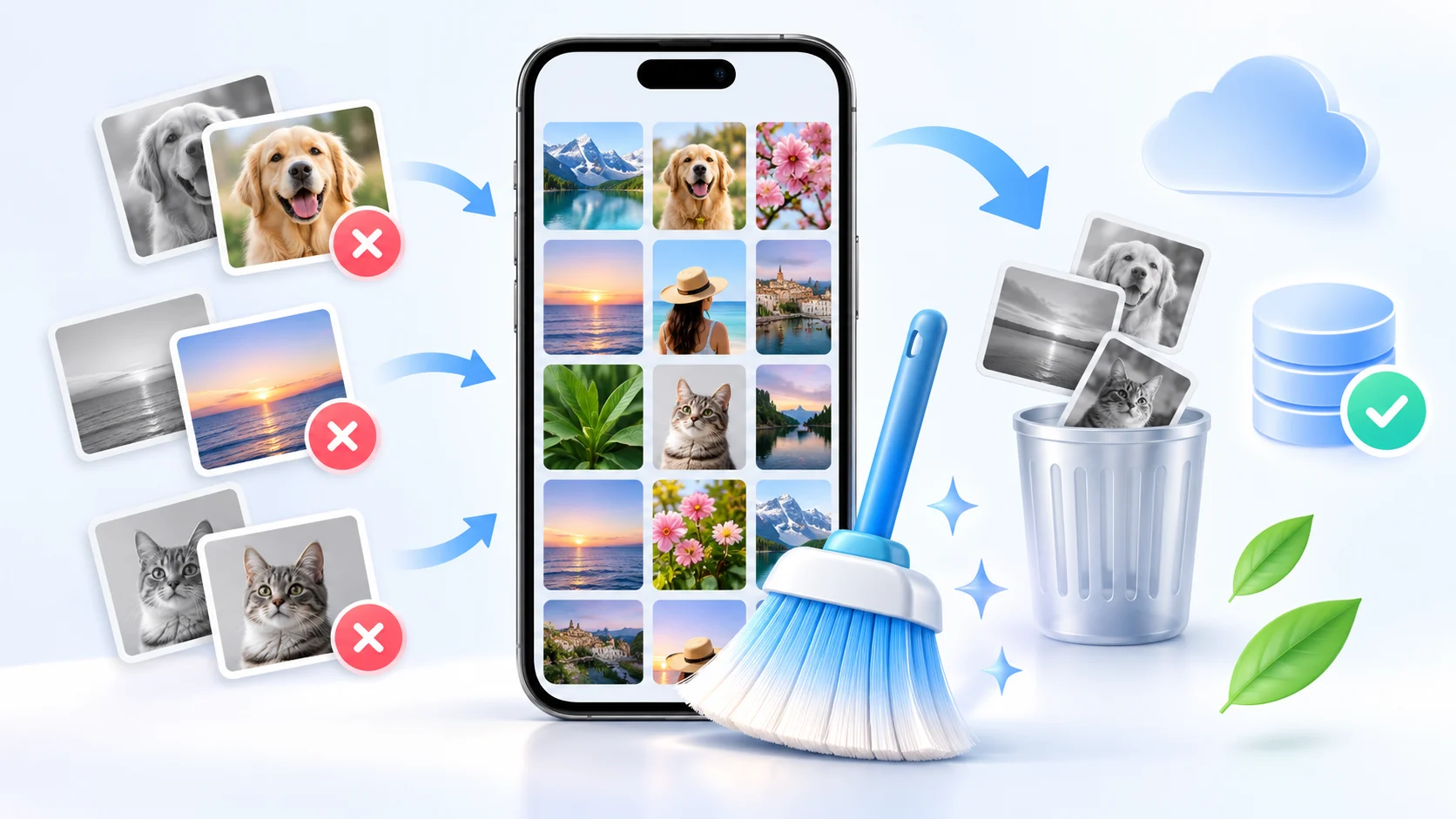
What's the best free app to clean up your Android phone and free up space?
 Put Rodrigo Oliveira
Keeping your Android phone free with storage space can make a big difference in daily use. Over time, temporary files, old downloads, duplicate images, videos received in messaging apps, and rarely used apps can take up several gigabytes without you even realizing it.
There are free apps that help identify these files and make cleaning your device easier. Among the options currently available is... Files by Google It stands out as one of the simplest and safest alternatives for those who want to free up space without having to understand advanced settings.
What is the best free app to clean an Android phone?
For most users, the Files by Google It's one of the best free options for cleaning up your Android phone. The app was developed by Google itself and includes tools to find unnecessary files, large documents, duplicate items, old screenshots, and apps that aren't used frequently.
One of the main advantages is that the application doesn't simply try to delete files automatically. It offers suggestions and allows the user to review the content before deciding what to delete.
Google Files can also identify temporary application files and offer a quick cleaning option. In addition, it functions as a file manager, allowing you to browse folders, move documents, and organize your device's storage.
According to Google's documentation, the app can also help locate duplicate files, screenshots, large files, and unused apps, making cleanup much more practical.
Advantages of Applications
Free up space quickly
The main benefit of a cleaning app is finding files that can be removed to free up space. On phones with 64GB or 128GB of storage, a few extra gigabytes can be enough to continue installing apps, recording videos, or performing Android updates.
Finding large files
Videos, files sent via WhatsApp, downloaded documents, and recordings can take up a lot of space. Apps like Google Files can organize these files by size, allowing you to quickly identify which items are consuming the most storage.
Identify duplicate files
It's common to save the same image, video, or document multiple times. Individually, these files may seem small, but hundreds of duplicates can consume a considerable amount of storage. A cleanup application can help find these copies.
Remove temporary files
Some applications store temporary files to run faster. Over time, some of this data may no longer be needed. Cleaning up these files can recover space without necessarily deleting the applications' main settings.
Find underutilized apps
Many people install apps and end up forgetting about them. Some games can take up several gigabytes even if they aren't opened for months. Storage management tools help identify these apps so you can decide whether you want to keep them.
Simpler organization
Instead of manually searching through dozens of folders, cleaning apps group files into categories. This way, you can view photos, videos, documents, downloads, and other content in an organized manner.
More control over storage.
A good cleanup tool shows you how much space is being used and how much is still available. This helps you understand exactly where the problem is before you start deleting files.
Files by Google
O Files by Google It is one of the most recommended alternatives for those looking for a free and simple solution. The app works on compatible Android devices and has a dedicated area to free up space.
In this section, the app may present different cleaning suggestions. Depending on the content stored on the device, categories such as unnecessary files, large files, old screenshots, duplicate files, and unused apps may appear.
The user selects the items before deleting them, which reduces the risk of accidentally deleting an important photo or document.
Another distinguishing feature is that Files also functions as a Full-featured file manager. Thus, in addition to cleaning, it is possible to search for documents, create folders, move files and, on compatible devices, transfer content to an SD card.
CCleaner for Android
Another well-known option is... CCleaner. The software initially became popular on computers and also has an Android version.
The app offers tools for analyzing storage, removing residual files, and managing installed applications. It can also display information about the space occupied on the device.
The free version may be sufficient for basic tasks, although certain additional features may depend on the version offered by the application.
For those who prefer a tool with different analysis and optimization functions gathered in a single interface, CCleaner can be an alternative to Google Files.
SD Maid SE
O SD Maid SE, also known as SD Maid 2, is an option primarily aimed at users who want a more detailed analysis of files stored on Android.
It offers tools to locate files left behind by uninstalled applications, analyze storage, and identify potentially unnecessary content.
The interface and some tools may seem a bit more advanced when compared to Google Files. Therefore, SD Maid is often interesting for those who want greater control over the cleaning process.
Is it necessary to use a cleaning app on Android?
Not always. Android itself has built-in tools for managing storage. In the device settings, you can check which categories are taking up the most space, uninstall apps, and clear the cache of specific apps.
Recent versions of Android also include features for archive rarely used applications. In this case, part of the application is removed to free up space, while certain data is preserved to facilitate a future reinstallation.
Cleaning apps are useful primarily because they centralize this information and make the process simpler.
Does cleaning your phone make Android faster?
It depends on the situation. Deleting files doesn't automatically transform a slow phone into an extremely fast one. However, keeping some free space can help the system function more efficiently.
A phone with nearly full storage may have difficulty downloading updates, saving new files, and using certain applications.
It is also important to differentiate storage of RAM memory. Deleting photos or videos frees up internal storage, but does not directly increase the amount of RAM available on the device.
Similarly, constantly closing apps doesn't always bring benefits. Android itself manages a good portion of the memory automatically.
What can I delete to free up a lot of space?
If the goal is to recover several gigabytes, start by looking for the largest files. Videos recorded by the camera, downloaded movies, files received through messaging apps, and games typically take up much more space than small temporary files.
Next, check your downloads folder. Many people accumulate PDFs, installers, images, and documents that were only used once.
It's also worth checking apps that haven't been opened in months. Depending on the app or game, simply uninstalling it can free up several gigabytes immediately.
Precautions before cleaning your cell phone
Before deleting many files, make sure your important photos and videos are backed up. Cloud storage services can help protect this content.
Also avoid unknown apps that promise to dramatically increase phone speed, instantly cool down the battery, or multiply RAM. Many of these promises don't match how Android actually works.
Prefer well-known applications and carefully check the permissions requested. An application created solely for organizing files usually doesn't need unrestricted access to resources unrelated to its function.
How can I free up space without installing any apps?
It's possible to perform a cleanup directly through the Android settings. Open Settings > Storage And check which categories are consuming the most space.
You can uninstall unused apps, delete old downloads, and clear the cache of specific apps. Clearing the cache mainly removes temporary files. However, the option to clear storage or data can erase information saved by the app, so it requires more caution.
Another possibility is to use Google Photos to back up images and then remove the copies already stored in the cloud from your device.
Which app to choose?
For those looking for a free, simple, and reliable way to free up space, the Files by Google It's usually the best choice. It brings together the most important functions without requiring technical knowledge and allows you to preview files before deletion.
Those who want additional tools can try options like CCleaner or SD Maid SE. Regardless of the application chosen, it's always best to review the suggested files before confirming any deletion.
Common questions
For most users, the Files by Google It's one of the best free options. It helps you find temporary files, duplicates, large files, screenshots, and rarely used applications.
Yes. Google Files can be used for free on compatible Android devices and offers tools for organizing and freeing up space.
They can be particularly helpful when storage is nearly full. However, there's no guarantee of a significant performance increase simply by deleting temporary files.
Yes. The cache typically contains temporary files and can be cleared. Some applications may be slightly slower on their first launch after clearing while they recreate these files.
Normally not. Clearing the cache is different from clearing all app data. Still, carefully read the option presented by Android before confirming the deletion.
Well-known applications can be used safely, as long as you review the files that will be deleted. Avoid unknown tools that request excessive permissions or make unrealistic performance promises.
No. For most people, doing an occasional check or when the storage is getting full is sufficient.
Videos, games, photos, messaging app files, downloads, and large applications are usually the main culprits for storage consumption.